Wireless mic over
Ableton Link Audio
VoidMic publishes your phone's microphone as a named Link Audio channel on your local Wi-Fi. Any Link Audio host on the same network sees it as a standard mono input. Ableton Live picks it up natively.
No cables. No drivers. No audio interface.

01 — How it works
Three taps and you're streaming
STEP 01
Same network
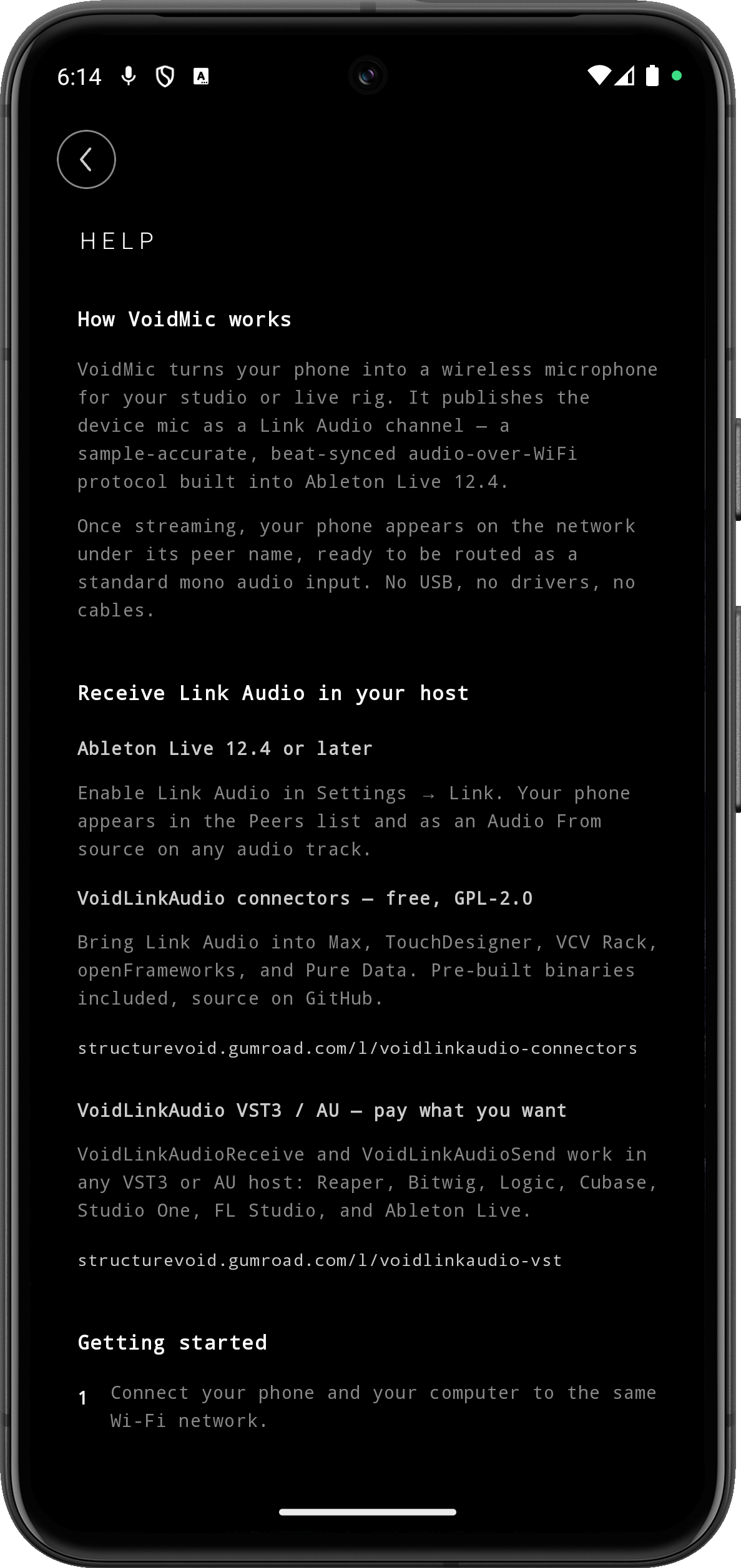
Connect your phone and your computer to the same Wi-Fi network. Turn mobile data off.
STEP 02
Enable Link Audio
In Ableton Live 12.4+, go to Settings → Link / Tempo / MIDI and enable Link and Link Audio.
STEP 03
Tap START
In Live, add an audio track and set Audio From to your phone's name, channel mic.
02 — Features
Built for the studio and the stage
// MIC
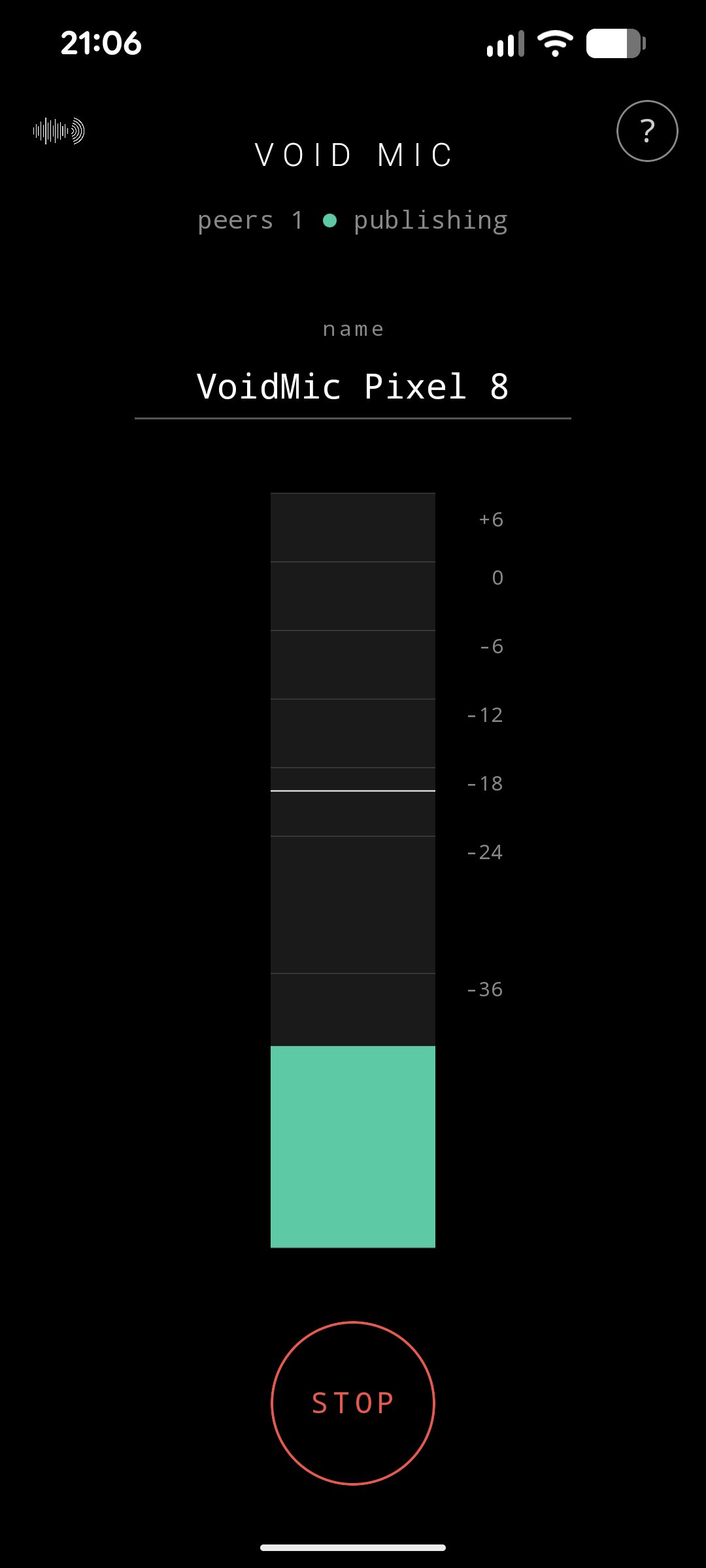
Phone mic, network audio
Microphone published as a named Ableton Link Audio source on the LAN.
// ZERO
Zero setup
No USB, no drivers, no audio interface. Wi-Fi and a tap.
// LOW
Low-latency
AAudio MMAP backend, 48 kHz mono float. Real-time, tuned for live use.
// LOCK
Screen-off streaming
Foreground service + wake lock keep audio and Wi-Fi alive. Persistent Stop notification.
// NAME
Custom peer name
Identify your device. Multiple phones on the same LAN appear cleanly.
// METER
Live input meter
RMS and peak with peak-hold and clip indication.
// GAIN
Adjustable input gain
Set the right input level for your mic and source in real time, right under the meter. Louder, usable capture by default.
// CYCLE
Rock-solid lifecycle
Survives the violent swipe-away. Restarts cleanly on a single tap.
// LAN
Stays on your network
Audio never leaves your LAN. No cloud, no account, no analytics, no tracking.
// iOS
iOS on the way
The shared C++ core is cross-platform ready. An iOS build is in the pipeline.
03 — Compatibility
Receive the stream anywhere
Your phone appears in Peers and as Audio From on any track. Nothing to install.
VoidLinkAudio connectors bring Link Audio to creative hosts. Pre-built binaries and source.
Receive and Send plugins for Reaper, Bitwig, Logic, Cubase, Studio One, FL Studio.
04 — Get it
Free on Google Play
VOIDMIC FOR ANDROID
v1.1.2 · android · live 12.4+
FREE
ON GOOGLE PLAY
Free for everyone, no account needed.
Get it on Google Play →VoidMic is free for everyone on Google Play. Install it, connect your phone to the same Wi-Fi as your host, and start streaming. The iOS build is on the way.
BUILT ON TOP OF
Powered by Ableton Link
Made by Julien Bayle / Structure Void · Marseille, France
05 — FAQ
Frequently asked questions
Is VoidMic available on the Play Store yet?
Yes. VoidMic is available for free on Google Play for Android.
Do I need cables, USB, or an audio interface?
No. Wi-Fi only. Your phone connects to the same network as your computer, the audio flows over the LAN, that's it.
What does VoidMic need on the receiving end?
Ableton Live 12.4+ natively. For other hosts (Max, TouchDesigner, VCV Rack, Pure Data, openFrameworks, or any VST3 / AU DAW like Reaper, Bitwig, Logic), use the free connectors or the pay-what-you-want VST plugins.
My phone doesn't show up in Live.
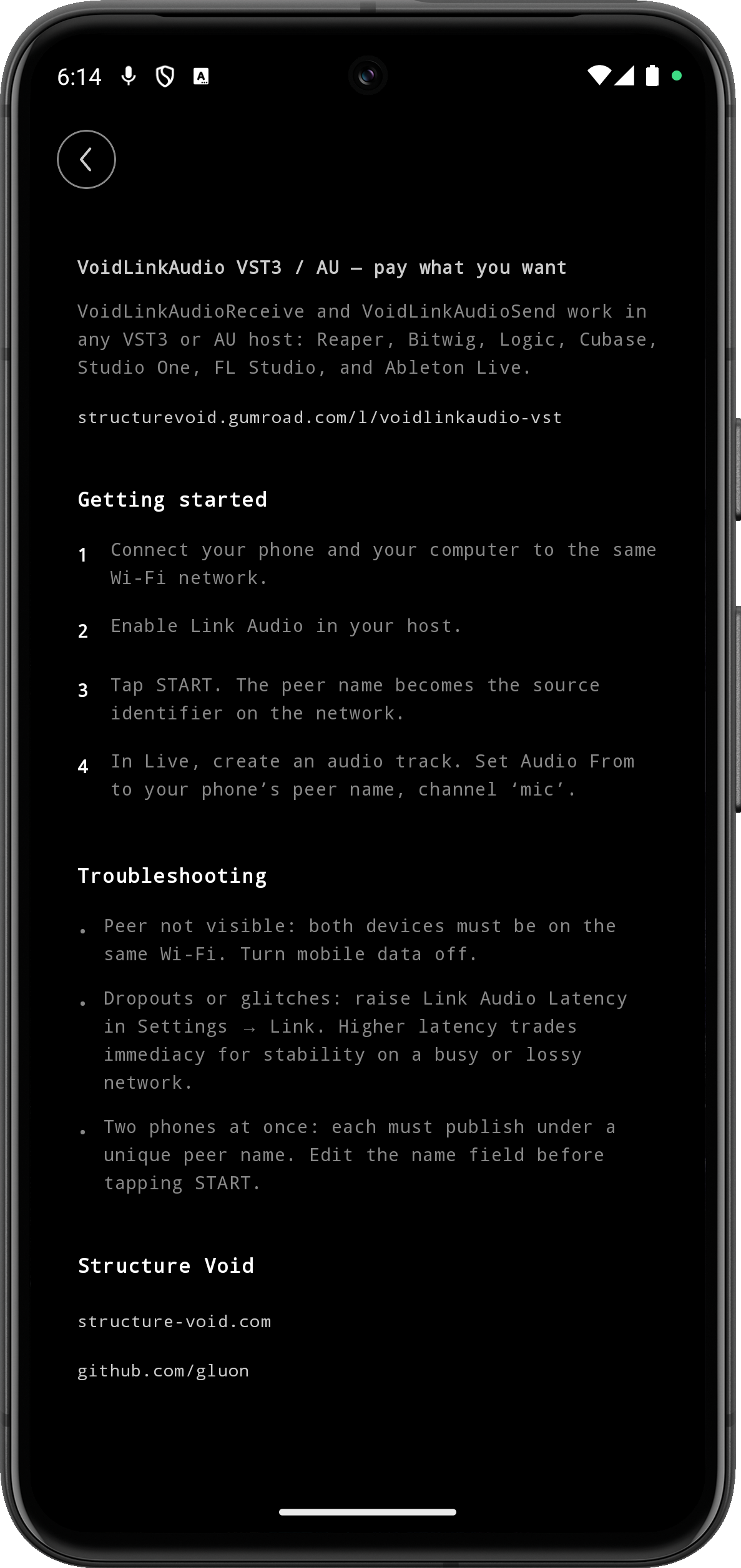
Make sure phone and computer are on the same Wi-Fi network. Turn mobile data off so the phone doesn't route the stream over cellular. On busy networks, raise the Link Audio Latency setting in your host.
Does it keep streaming when I lock the phone?
Yes. A foreground service plus a wake lock and a Wi-Fi high-performance lock keep audio and network alive. A persistent notification lets you stop streaming anytime.
Can I use two phones at once?
Yes. Give each phone a unique name in the Peer Name field before starting, and they both appear as separate sources in your host.
What's the latency?
Real-time, low-latency on a healthy Wi-Fi network. Tune Link Audio Latency in your host to trade immediacy for stability on lossy networks.
Where does my audio go?
Only to peers on your local network, via the Ableton Link Audio protocol. Nothing leaves your LAN. No cloud, no account, no analytics, no tracking. See the privacy policy for the full picture.
Is there an iOS version?
Planned, not yet released. The shared C++ core is already cross-platform ready.
What Android version do I need?
Android 8.0 (Oreo) or later. Tested across a range of Android phones, on both small and large screens.
How do I contact support?
Write to voidmic@structure-void.com.